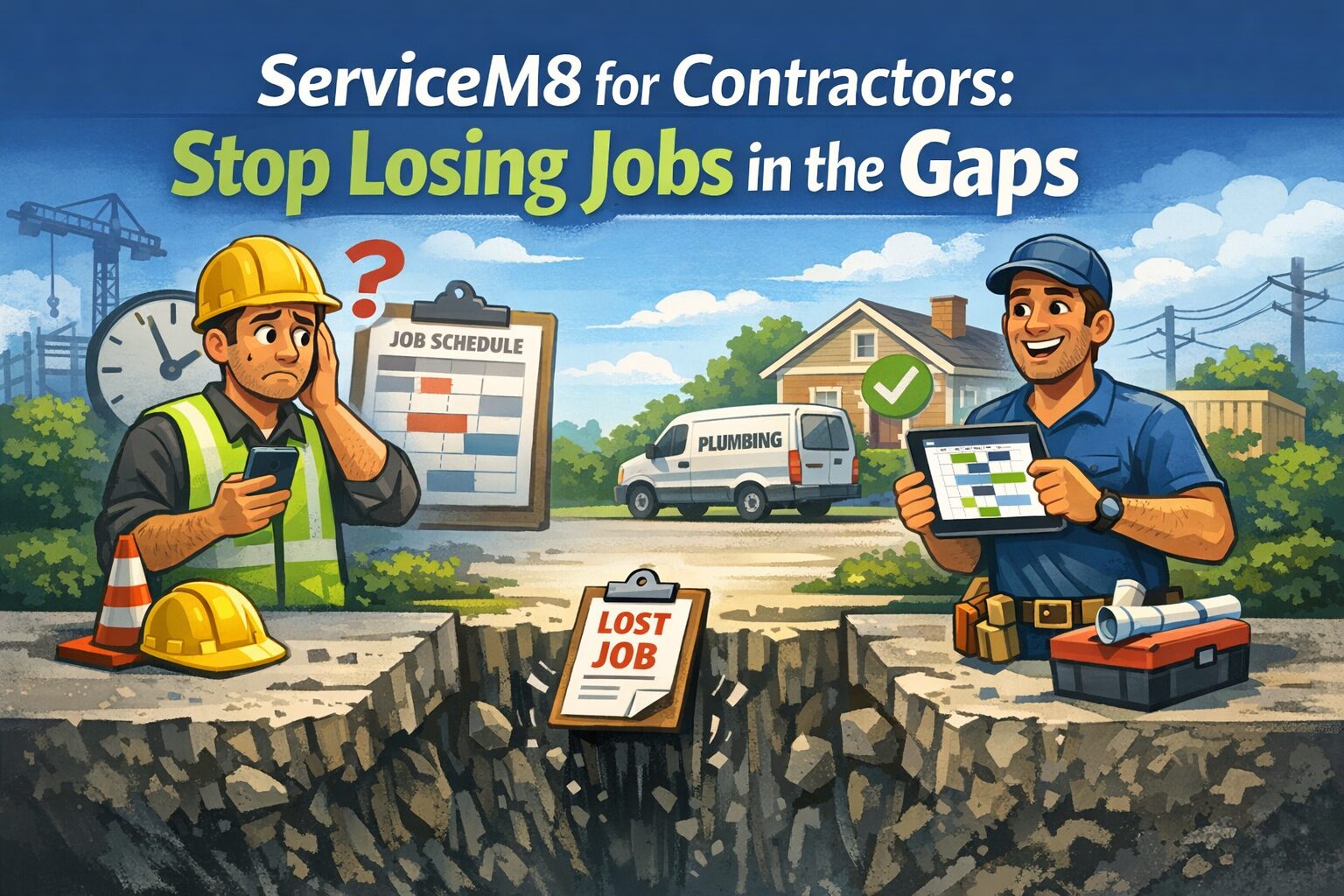
Most field service businesses don’t lose money on bad jobs. They lose it in the space between when the job is done and when it shows up — correctly — in the books.
A technician finishes a plumbing call at 4:45 PM. The paper card goes in a stack. The office enters it into QuickBooks on Thursday. The invoice goes out Friday. The customer pays in 30 days. That job was done on Monday.
Meanwhile, the owner is trying to figure out whether they can afford a third truck. The number they need — actual job profitability, this month — doesn’t exist in a form they can trust.
That’s the problem ServiceM8 for contractors is built to address. Not paperwork reduction as a concept. The specific, recurring gap between operational reality and financial visibility.
Key Takeaways
- ServiceM8 is built for trade contractors running high volumes of short-duration jobs — plumbers, electricians, HVAC, pest control, and similar trades
- The QuickBooks Online integration is the core financial benefit — but it requires correct setup to work without creating duplicate records or sync errors
- ServiceM8 is iOS-first; teams using Android devices need a clear device strategy before committing
- Plans range from $0/month (1 user, 30 jobs) to $349/month (unlimited users, 1,500+ jobs) — pricing is per job volume, not per user
- Getting the integration right from day one prevents weeks of cleanup later
What Breaks Before Contractors Start Looking for a Solution
By the time a contractor searches for job management software, something specific has already gone wrong. The patterns we see most often:
The invoice pile. Jobs are completed daily but invoiced weekly — or whenever someone has time. Aged receivables sit at 45+ days not because customers are slow to pay, but because invoices go out late. Cash flow tightens. The owner assumes customers are the problem.
The missing job. A paper card gets lost between the truck and the office. The job never gets invoiced. Nobody notices for three weeks. When it surfaces, the customer has already moved on mentally, and collecting feels awkward.
The memory-dependent operation. Dispatching happens by phone call or text. Job details live in a technician’s head. When that technician calls in sick, the office spends two hours reconstructing what they were supposed to do that day.
The profitability blind spot. The owner wants to add a second truck or hire another technician. But when asked “what did last month’s jobs cost to deliver?” — the answer doesn’t exist. QuickBooks has revenue. It doesn’t have job-level cost data. Decisions get made on gut feeling because the systems don’t produce anything better.
ServiceM8 addresses all four. But only when it’s implemented as a complete system, not just downloaded and turned on.
What ServiceM8 Actually Does
ServiceM8 is a cloud-based job management platform built specifically for trade contractors and home service businesses. It handles the full front end of a service business workflow:
- Dispatching jobs to technicians in the field
- Tracking staff locations and schedules in real time
- Generating quotes and estimates from a mobile device
- Capturing photos, notes, signatures, and job documentation on-site
- Invoicing on-site and collecting payment before the technician leaves
- Syncing completed invoices directly to QuickBooks Online
The last item is where ServiceM8 earns its place in a financially structured business. Jobs don’t sit in a paper stack. Approved invoices push to QuickBooks — the same day, often within the hour. Receivables age at a pace the business can actually manage.
How the QuickBooks Online Integration Works
The ServiceM8 and QuickBooks Online integration is the financial backbone of the setup. Here is how the data flows:
At initial connection: All clients and materials in QuickBooks Online sync into ServiceM8. This happens once, at setup.
Ongoing: Changes made to clients or materials in either system update the other within approximately 20 minutes.
Invoice flow: When a job is complete and the invoice is approved in ServiceM8, it pushes to QuickBooks Online. From there it is a standard receivable, ready for reconciliation.
Payments: On-site credit card payments collected through ServiceM8 sync to QuickBooks as well.
What this means in practice: a technician can finish a job, generate and send an invoice, collect payment, and have all of it land in QuickBooks before driving to the next call.
What this requires to work: QuickBooks Online that is properly structured — correct chart of accounts, clean customer records, organized items list. ServiceM8 inherits whatever state your QuickBooks is in. If QuickBooks needs cleanup, we can handle that before connecting ServiceM8 — that is simply the right order of operations to make the integration work well from day one.
A Hypothetical Example: Three-Tech Electrical Contractor
The following is a hypothetical example to illustrate how the system works in practice — not a specific client case study.
Consider a residential electrical contractor running three technicians, averaging eight jobs per day. Before ServiceM8, the workflow looked like this:
Jobs dispatched by phone call or text. Each technician kept notes on paper. Cards dropped at the office at end of day. The office manager entered them into QuickBooks the following morning — sometimes two days later when volume spiked. Invoices sent via email at end of week. Average time from job completion to customer invoice: four to six days.
Aged receivables averaged 45+ days. The owner couldn’t identify which job types were profitable without manually pulling QuickBooks reports and cross-referencing paper records. When a customer called to dispute a charge, finding the original job notes took 20 minutes.
After ServiceM8 was set up correctly — with QuickBooks Online cleaned up first, the integration configured properly, and the team trained on the iOS app — the picture changed:
Invoices went out same day, often on-site. Average time from job completion to invoice: under two hours. Receivables dropped to 22 days. When a customer called with a question, the full job history — photos, notes, customer signature — was accessible in under a minute. The owner could pull a job profitability report in QuickBooks without a spreadsheet.
The system didn’t change how well the technicians did the work. It changed whether the business could see and measure what that work was actually worth.
What ServiceM8 Requires That Most Contractors Don’t Anticipate
Apple devices. ServiceM8 is built for iPhone and iPad. The full-featured app — time tracking, job card enforcement, forms, certificates — runs on iOS. There is an Android version called ServiceM8 Lite, but it is a reduced-functionality app. If your technicians use Android devices, you need a device strategy before committing to ServiceM8. For some contractors that means issuing company iPhones. For others it means a mixed model with clear boundaries on what Android users can and cannot do in the system.
Clean QuickBooks data. The integration is a conduit, not a cleanup tool. Duplicate customer records in QuickBooks become duplicate records in ServiceM8. Inconsistent item codes create invoice errors. Incorrect tax codes produce systematic discrepancies on every invoice that pushes through. We audit QuickBooks before connecting ServiceM8 — not after.
Real team training. The field staff adoption question is not about the technology. It is about whether veteran technicians who have worked with paper for 15 years will use the app consistently enough for the system to function. Half-adoption produces incomplete data, which produces unreliable reporting, which means leadership is back to making decisions on gut feeling. Investing in proper training upfront is what separates a system that sticks from one that gets quietly abandoned after 90 days.
When ServiceM8 Is the Wrong Move
ServiceM8 is not the right fit for every field service business. Be direct with yourself on these points before committing:
If your team runs Android devices, ServiceM8 has a solution — ServiceM8 Lite — designed for technicians who need basic job visibility: viewing assignments, updating status, and navigating to jobs. However, It is not the full iOS experience, and it was not designed to be. For technicians who need time tracking, forms, certificates, or full job card functionality, iOS is required. The key is knowing which of your techs need which level of access before you commit, so you are not discovering the gap after go-live.
If you are managing complex long-duration projects — construction jobs running weeks or months, phased billing, contract management — ServiceM8’s job-card model is not designed for it.. It is built for high-turnover short jobs, not extended project management.
ServiceM8 support is handled via email and chat — there is no phone support line. For most small service businesses this works well, particularly since most issues can be resolved asynchronously. If your operation depends on immediate live-voice support during business hours, that is worth knowing before you commit.
How Peak Advisers Sets This Up
We are a certified QuickBooks Solution Provider with more than 30,000 hours of hands-on implementation experience, and a certified ServiceM8 partner. [ServiceM8 services page]
When a field service contractor comes to us wanting ServiceM8, we do not start with ServiceM8. We start with QuickBooks Online.
Everything ServiceM8 surfaces in the field eventually lands in your books. If the books are not structured to capture job-level cost data, technician productivity, and revenue by service type, you will have a capable field app connected to a financial system that still cannot answer the questions leadership needs answered.
Our process:
- Audit your QuickBooks Online — chart of accounts, customer list, items, class tracking
- Clean up or restructure what ServiceM8 will inherit
- Configure the ServiceM8 integration with correct tax mapping and custom field setup
- Structure job costing so profitability reporting is available in QuickBooks
- Train office staff on dispatch and invoicing workflow, field technicians on the app
- Build a 60-day review into the engagement to catch sync issues before they compound
If you want ServiceM8 to function as a business system — not just a scheduling app — the QuickBooks foundation has to be solid first.
[Schedule a call with Peak Advisers] | [ServiceM8 services page]
Frequently Asked Questions
Does ServiceM8 work with QuickBooks Desktop?
ServiceM8 does not work with QuickBooks Desktop. The integration is built exclusively for QuickBooks Online. If your business is currently on QuickBooks Desktop, migrating to QuickBooks Online is a necessary first step before ServiceM8 can be implemented. Peak Advisers handles QuickBooks Online migrations as part of our implementation process — so if you are on Desktop and interested in ServiceM8, start that conversation with us first.
How many users can I add to ServiceM8?
Starter through Premium Plus plans include unlimited users. Pricing is based on job volume per month, not headcount. The Free plan supports one user and up to 30 jobs per month.
What happens when ServiceM8 and QuickBooks have conflicting data?
The sync has rules, but they are not always intuitive. Clients and materials entered in QuickBooks sync to ServiceM8. Materials entered in ServiceM8 only push to QuickBooks when an invoice is exported. If data is entered incorrectly in one system, the sync can carry that error into both. This is why starting with clean QuickBooks data matters before the integration goes live.
Can my Android-using technicians use ServiceM8?
There is a ServiceM8 Lite app for Android, but it is a reduced-functionality experience. Full features — time tracking, all job card functions, forms, certificates — require the iOS app. If part of your team is on Android, that needs to be addressed in your implementation plan before go-live.
How long does it take to set up ServiceM8 with QuickBooks Online?
The technical connection takes less than an hour. Getting it set up so it works correctly for your business — clean data, correct tax settings, chart of accounts aligned, team trained — typically takes two to four weeks when done properly. Shortcuts at setup create problems that take significantly longer to unwind.
Peak Advisers LLC is a certified QuickBooks Solution Provider and certified ServiceM8 partner serving small and mid-size businesses across Colorado and nationwide. We implement ServiceM8 as part of a complete financial system — not as a standalone app install. Contact Peak Advisers to talk through whether ServiceM8 is the right fit for your operation.