Many contractors and field service teams start with a simple goal: get QuickBooks Online running smoothly and stop losing jobs, invoices, and payments in paper and email.
Adding ServiceM8 is often the first major upgrade that gets work out of notebooks and onto phones, where jobs are scheduled, documented, invoiced, and paid more reliably.
For some businesses, that combination is enough for years. For others, growth brings new questions that a single QuickBooks file cannot answer—multi‑location reporting, multiple entities, and leadership decisions that demand clearer, more structured numbers.
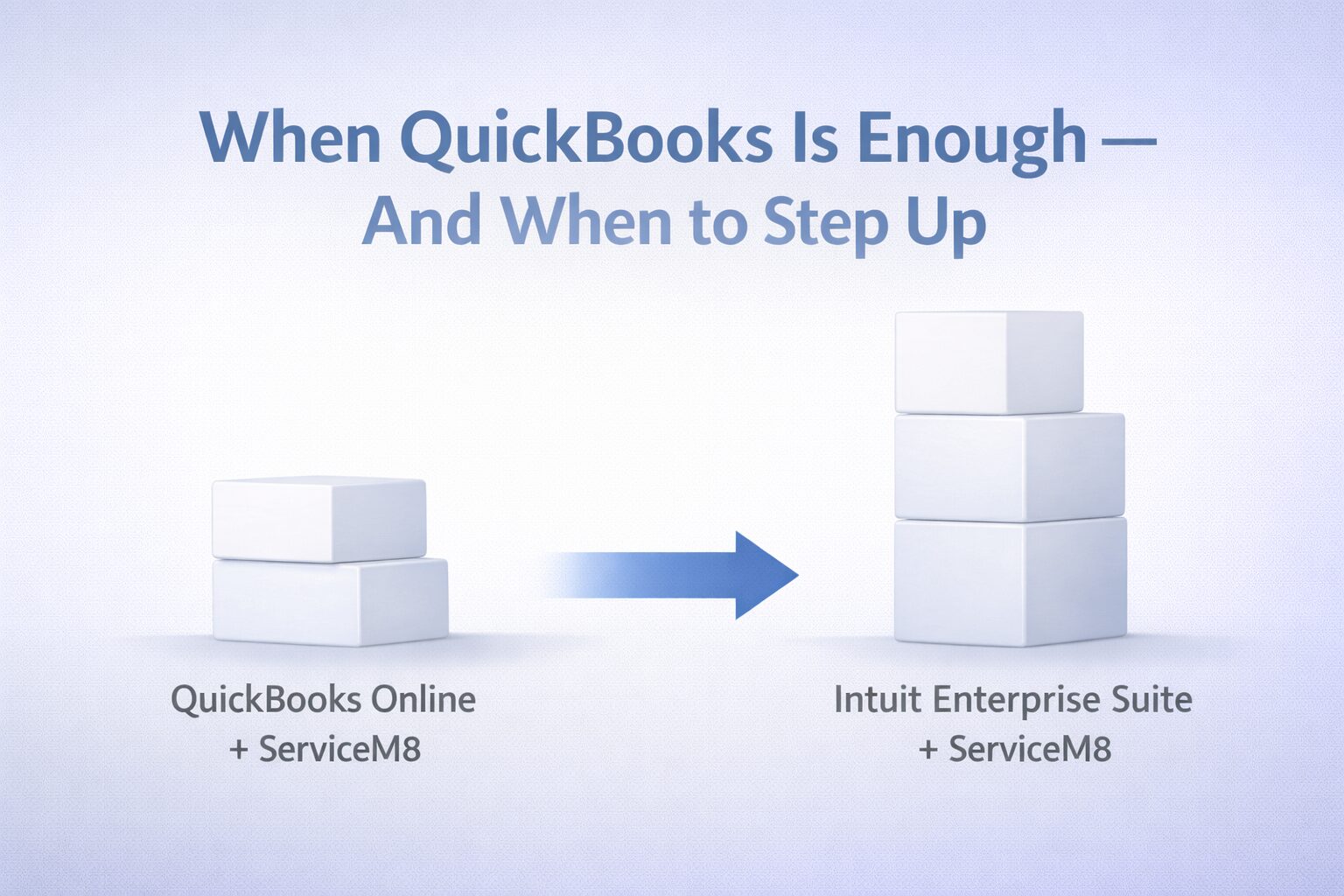
In those cases, Intuit Enterprise Suite and ServiceM8 can work together in a different architecture: QuickBooks Online is no longer the core ledger, Intuit Enterprise Suite becomes the main financial platform, and ServiceM8 continues to manage field work and integrate into the Intuit Enterprise Suite environment.
Key Takeaways
- For many small service businesses, QuickBooks Online and ServiceM8 together are a solid long‑term setup, especially when the QuickBooks file is well‑structured and the integration is configured correctly.
- Intuit Enterprise Suite and ServiceM8 make sense when growth creates complexity—multiple entities, locations, or lines of business—and leadership needs reporting that goes beyond what one QuickBooks Online company can reliably provide.
- A common failure pattern is bolting ServiceM8 onto a messy QuickBooks environment and expecting the app to fix financial structure problems it was never designed to solve.
- Peak Advisers starts with financial design—entities, chart of accounts, and reporting needs—then aligns QuickBooks, ServiceM8, and Intuit Enterprise Suite so growth decisions rest on numbers leadership can trust.
Why QuickBooks Online and ServiceM8 Are Often Enough
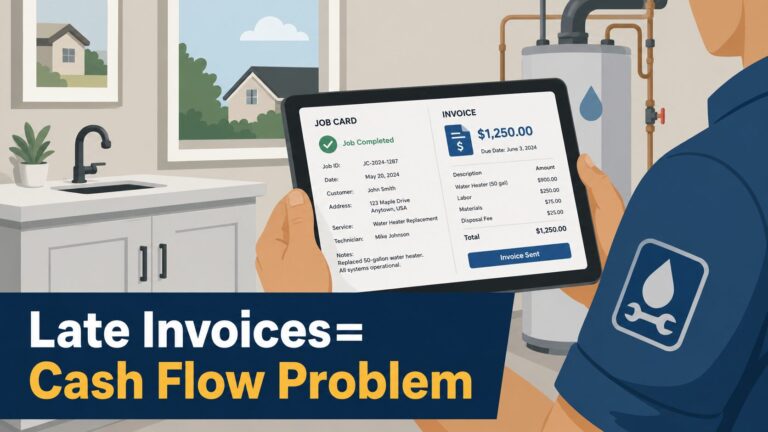
QuickBooks Online and ServiceM8 together solve a real problem: work that falls between paper, whiteboards, and memory. ServiceM8 lets your team book jobs, capture photos and notes, create invoices, and even take payment on site. QuickBooks Online records the financial impact—sales, expenses, taxes, and payroll.
Used properly, this removes a lot of admin drag. No one is re‑keying invoices at night. Fewer jobs slip through the cracks. Cash flow becomes more predictable as work moves cleanly from job to invoice to payment.
Where things start to break has less to do with the apps and more to do with structure.
Common patterns include:
- A chart of accounts that does not match how the business actually runs.
- Inconsistent items and tax rules, so ServiceM8 invoices land in QuickBooks in unexpected ways.
- Integration settings that slowly drift as staff “just change this one thing” in either system.
The result is a system that looks modern on the surface, but still produces reports leaders do not fully trust.
Scenario: A Three‑Truck Plumbing Company on QuickBooks Online and ServiceM8
Picture a three‑truck plumbing company running QuickBooks Online and ServiceM8. Jobs are scheduled through ServiceM8, technicians take photos and notes, and invoices sync back to QuickBooks shortly after the work is done.
On the surface, this is a big improvement over paper. Underneath, a few cracks are starting to show:
- Most revenue posts to one or two generic “service income” accounts.
- Technicians occasionally create new customers in the field, leading to duplicates.
- Timesheets export from ServiceM8, but no one consistently reviews them before payroll.
None of this means the business needs Intuit Enterprise Suite. What it needs is:
- A cleaned‑up chart of accounts and item list in QuickBooks Online.
- Clear mapping between ServiceM8 items, tax settings, and QuickBooks accounts.
- A simple monthly review between operations and finance to catch issues early.
For this stage of growth, QuickBooks Online and ServiceM8—set up correctly—can be a solid, long‑term combination.
When Growth Bends “One File + One App”
The picture changes when the business adds more trucks, more locations, or separate entities.
Now leaders are asking:
- Which location can we afford to grow?
- Which service line actually carries our best margins?
- Are we making money on warranty work or just keeping busy?
Typical warning signs:
- Multiple locations sharing one QuickBooks Online company and one ServiceM8 account, with no reliable way to separate performance.
- Informal intercompany work when one entity or location does work for another.
- Leadership meetings dominated by arguments over whose spreadsheet is “right.”
At this point, the cost of staying with “one file + one app” is not just extra admin time. It is slower growth and decisions made with partial information.
What Intuit Enterprise Suite and ServiceM8 Add in That Stage
Intuit Enterprise Suite is Intuit’s AI‑powered, cloud‑based platform for mid‑market organizations that have outgrown QuickBooks Online and QuickBooks Enterprise.
Intuit describes Intuit Enterprise Suite as bringing together advanced accounting, multi‑entity capabilities, and automation on a single platform for more complex businesses.
For a growing service business that still wants ServiceM8 in the field, migrating from QuickBooks Online into Intuit Enterprise Suite changes the financial side of the system:
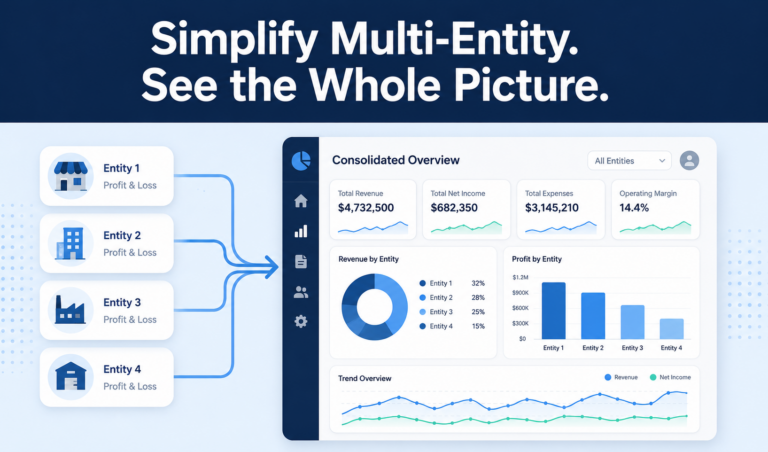
- Revenue and costs from ServiceM8 can be analyzed by entity, location, or division instead of being mixed into one P&L.
- Finance can use formal workflows and controls around who creates items, customers, and reporting dimensions.
- Consolidations and performance reporting rely less on spreadsheets and more on platform capabilities.
The tradeoff is real. Intuit Enterprise Suite expects a clear design for entities, locations, and reporting dimensions. Moving into it without making those decisions first usually means rebuilding the same problems at a higher level of complexity.
A Simple Path: From QuickBooks Online to Intuit Enterprise Suite
Most service businesses follow some version of this path:
- Start with QuickBooks Online
Get bank feeds, reconciliations, and basic reporting working. Focus on a clean chart of accounts, accurate coding, and timely close. - Add ServiceM8 when field work outgrows paper
Use ServiceM8 to manage bookings, dispatch, job documentation, and invoicing, and connect it properly to QuickBooks Online. For many small and mid‑size service companies, this step alone has a big impact. - Consider Intuit Enterprise Suite when complexity changes
When you add entities, locations, or more formal reporting expectations, it may be time to migrate from QuickBooks Online into Intuit Enterprise Suite so the financial platform matches the complexity of the organization.
Skipping directly from stage one to Intuit Enterprise Suite without cleaning up the basics often leads to disappointment. The tools are different, but the underlying structure problems follow the business into the new platform.
Ecosystem Positioning: Where Each Tool Sits
In a healthy design, each tool has a defined job.
QuickBooks Online
Handles everyday bookkeeping: bank feeds, reconciliations, and compliance reporting. It stores the chart of accounts, items, and tax settings that define how revenue and costs are coded.
ServiceM8
Manages work in the field: job intake, scheduling, dispatch, and on‑site documentation. It creates quotes and invoices, takes payment, and sends that information back into QuickBooks Online or another financial platform, depending on the setup.
Intuit Enterprise Suite
Provides Intuit’s mid‑market platform for organizations needing multi‑entity structure, deeper reporting, and more advanced workflows than one QuickBooks Online company can support. Intuit positions Intuit Enterprise Suite as a next‑step platform for qualifying QuickBooks customers, with defined migration paths from QuickBooks Online and QuickBooks Enterprise.
Problems arise when any one of these tools is asked to cover gaps it was not built for—for example, using ServiceM8 to “fix” a weak chart of accounts, or insisting that a multi‑entity organization stay in one QuickBooks Online file indefinitely.
Signs You Should Stay with QuickBooks Online and ServiceM8 for Now
QuickBooks Online and ServiceM8 are still the right focus when your challenges are mainly about consistency, not complexity.
Good reasons to stay where you are and improve what you have:
- You operate a single legal entity with a manageable number of trucks or crews. Growth is steady, not explosive.
- Most friction comes from uncategorized transactions, unreconciled accounts, and inconsistent use of items or classes in QuickBooks Online.
- ServiceM8 is in place or about to be, and your biggest gaps are setup details—tax mapping, item mapping, duplicate customers—not fundamental reporting limits.
- Standard QuickBooks reports, plus a few well‑designed custom reports, would give leadership what they need once the file is cleaned up.
In these cases, moving to Intuit Enterprise Suite adds cost and change management without addressing the core issue: QuickBooks Online and ServiceM8 were never configured around a clear financial structure in the first place.
When the Combination Intuit Enterprise Suite and ServiceM8 Makes Sense
Intuit Enterprise Suite with ServiceM8 becomes worth exploring when the business has clearly moved into a different stage:
- You manage multiple entities or locations and need consolidated reporting that still lets you see each entity’s performance.
- Leadership wants to view results by entity, location, division, and service line without relying on fragile spreadsheets.
- Your QuickBooks Online setup is stretched thin with classes, locations, and workarounds, and any structural change feels risky because of the volume and complexity of data.
At that point, the risk of staying in one QuickBooks company plus apps is larger than the effort of migrating. Decisions about hiring, pricing, and expansion are already happening; the question is whether those decisions are grounded in numbers leadership trusts.
If You Just Want QuickBooks Online and ServiceM8
If your main goal today is to make QuickBooks Online and ServiceM8 work together cleanly, that is a valid and often smart focus.
Peak Advisers handles that work regularly: cleaning up QuickBooks Online, configuring the ServiceM8 integration, and making sure invoices, payments, and reports line up so owners and finance see the same story.
You do not need Intuit Enterprise Suite in order to benefit from ServiceM8, and you do not need to “graduate” to Intuit Enterprise Suite for QuickBooks Online and ServiceM8 to be considered a serious system.
How Peak Advisers Approaches These Decisions
Peak Advisers is a certified QuickBooks Solution Provider with more than 30,000 hours inside real client files. Software is part of our work, but never the whole story. We implement QuickBooks products and related tools inside a broader financial structure designed to support clarity, control, and growth.
When a service business asks about QuickBooks Online, ServiceM8, and Intuit Enterprise Suite, we:
- Review the current QuickBooks Online file and ServiceM8 configuration, including chart of accounts, items, tax handling, and integration settings.
- Clarify growth plans: entities, locations, headcount, and reporting expectations from owners, boards, or lenders.
- Decide whether the best next move is:
- A focused QuickBooks Online and ServiceM8 cleanup and integration tune‑up, or
- A structured conversation about migrating from QuickBooks Online into Intuit Enterprise Suite as the financial platform for the next stage of growth.
The goal is not to prescribe a specific product. The goal is to build a financial system that can keep up with the business you are trying to run.
Most software decisions are really financial structure decisions in disguise.
Frequently Asked Questions
Do I need Intuit Enterprise Suite to use ServiceM8 with QuickBooks Online?
No. ServiceM8 connects directly to QuickBooks Online and works well for many single‑entity, small to mid‑size service businesses. Intuit Enterprise Suite becomes relevant when your structure and reporting needs move beyond what one QuickBooks Online company can support.
Is QuickBooks Online and ServiceM8 enough for the long term?
For many 1–5 truck, single‑entity businesses, yes. If the QuickBooks Online file is well‑organized and the integration is configured correctly, QuickBooks Online and ServiceM8 can serve as a long‑term platform. Pressure to change usually comes from growth and complexity, not from a hard technical limit in the tools.
When does Intuit Enterprise Suite become worth considering?
Intuit Enterprise Suite becomes worth considering when you have multiple entities or locations, recurring struggles to get clear consolidated numbers, and rising expectations from owners, boards, or lenders. Intuit explicitly positions Intuit Enterprise Suite as a next‑step platform for qualifying QuickBooks customers in that situation.
Will adding ServiceM8 fix my invoicing and cash flow problems on its own?
ServiceM8 can shorten the time from job completion to invoice and help you get paid faster, especially with on‑site payment options. But if your QuickBooks Online structure is weak, you will still face problems with coding, reporting, and trust in the numbers.
How do I know which step is right for my business right now?
Map your current entities, locations, and reporting needs. If your main problems are bookkeeping consistency and basic integration, focusing on QuickBooks Online and ServiceM8 is likely right. If your main problems are around multi‑entity structure and leadership reporting, it may be time to discuss whether Intuit Enterprise Suite belongs in your roadmap.