If you’re on QuickBooks Payroll and haven’t heard about the launch of Intuit’s QuickBooks payroll HR platform, this is worth a few minutes. And if you’re evaluating payroll platforms to improve efficiency as your business grows, this is also something that changes what’s worth considering.
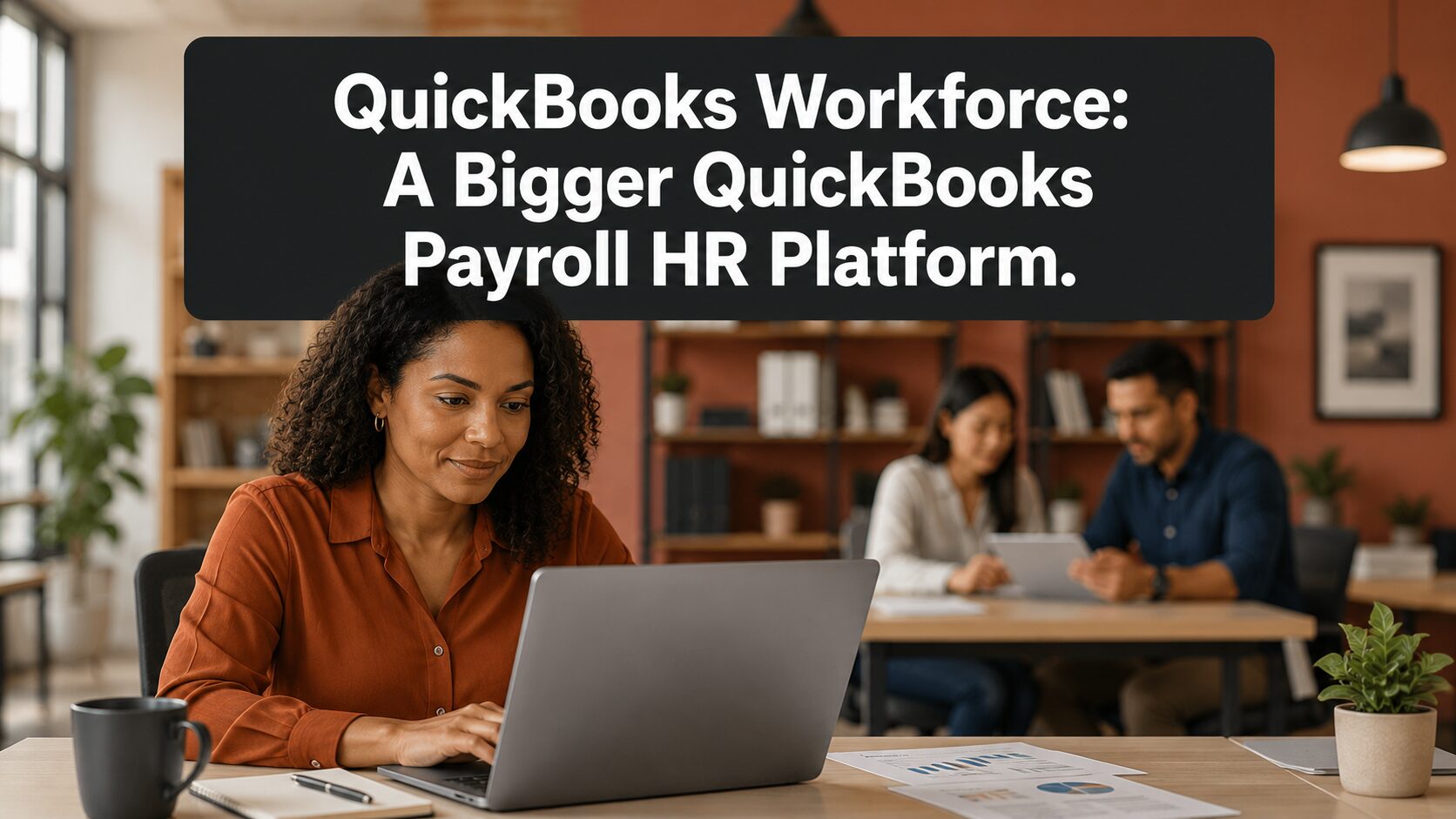
Intuit launched QuickBooks Workforce — a platform that expands what’s been QuickBooks Payroll into a full human capital management system. Payroll, time tracking, HR tools, onboarding, benefits administration, performance management, recruiting, and document management are all coming together in one place, embedded directly in QuickBooks Online, QuickBooks Online Advanced, and Intuit Enterprise Suite.
That’s a meaningful shift — both for businesses already on QuickBooks Payroll and for businesses shopping for a payroll and HR solution that won’t require a separate stack of tools to fill the gaps. If you’re managing your workforce across three or four disconnected systems right now, the question worth asking is whether you need to be.
Key Details
- Intuit launched QuickBooks Workforce — an AI-native human capital management platform built on the foundation of QuickBooks Payroll, which processes payroll for 18 million U.S. workers
- The platform consolidates payroll, time tracking, HR tools, onboarding, offboarding, benefits administration, performance management, recruiting, and document management into a single system embedded in QuickBooks Online, QuickBooks Online Advanced, and Intuit Enterprise Suite
- The three tiers are now named Workforce Payroll, Workforce Premium, and Workforce Elite — replacing the previous Core, Premium, and Elite labels
- The primary purchase path on Intuit’s site is bundled payroll-plus-accounting plans; standalone payroll subscriptions remain available for businesses already on QuickBooks Online
- Existing QuickBooks Payroll subscribers gain automatic access to new features as they become available based on their current tier — no action required
- Many businesses on Premium or Elite are already not using everything included in their subscription; the QuickBooks Workforce expansion makes that gap considerably wider
- For both new and existing subscribers, getting QuickBooks Workforce configured correctly and matched to the right tier is where Peak Advisers adds the most practical value — and where most businesses leave money on the table
What QuickBooks Workforce Solves
The problem it’s built to solve is one most small business owners recognize immediately once it’s named: workforce data spread across too many disconnected tools, none of which talk to each other without manual intervention.
According to Intuit’s own research, small and mid-market businesses use anywhere from 7 to 25 different tools to manage their workforce. Each tool has its own login, its own data structure, and its own manual sync requirement. Time tracked in one system gets exported into payroll in another. A new hire onboarded in a third system doesn’t automatically appear correctly in the fourth. A promotion processed in a performance tool has no automatic connection to the compensation change in payroll. The cost of managing that stack — in software subscriptions, manual work hours, and the errors that come from bridging disconnected systems — runs to an estimated $120,000 per year, according to Intuit’s 2024 Business Solutions Survey.
QuickBooks Workforce is built to collapse that stack: one system, on the same platform where the business already manages accounting, invoicing, and bill pay, covering the full employee lifecycle from the moment a job is posted through offboarding.
For businesses evaluating payroll platforms, that consolidation is the core argument. For businesses already on QuickBooks Payroll, it means the platform they’re paying for is becoming considerably more capable — and the question is whether their current setup is positioned to capture that value.
The platform was built on Intuit’s acquisition of GoCo, a human capital management provider for small and mid-market businesses. GoCo’s technology is the foundation for the expanded capabilities beyond what QuickBooks Payroll previously offered — particularly around onboarding workflows, HR automation, document management, and performance management.
What’s Live Now vs. What’s Coming
This is the distinction that matters most right now, and the one most likely to create confusion given how much Intuit has announced.
Available today on current QuickBooks Workforce subscriptions: full-service payroll with automated tax calculations and filing, the Payroll Agent AI tool, time tracking integration, same-day direct deposit (Premium and Elite tiers), the Mineral HR support center (Premium and Elite), the personal Mineral HR advisor (Elite), health insurance through Allstate Health Solutions, QuickBooks 401(k) by Vestwell, workers’ comp administration through NEXT, and document upload, sharing, e-signatures, and automated I-9 compliance (Premium and Elite).
The conversational chat interface — which enables text-based interaction with the Payroll Agent and other AI tools — is currently available in beta for eligible QuickBooks Online, QuickBooks Online Advanced, and Intuit Enterprise Suite customers. Contact Intuit directly to understand current scope and eligibility before incorporating it into your payroll workflow.
Rolling out: the expanded HCM capabilities that define QuickBooks Workforce’s full promise — recruiting and applicant tracking, integrated onboarding workflows, self-service benefits enrollment, performance management with structured reviews and goal tracking, custom HR workflow automation, and full document management with a template builder. Contact Peak Advisers or Intuit directly to understand the current availability timeline for your specific tier and situation.
The Three Tiers — and What Each One Actually Covers
The QuickBooks Payroll tier names have changed as part of the QuickBooks Workforce launch. The rename reflects the platform’s expanded scope — these are no longer payroll-only tiers, and the capabilities attached to each one have grown accordingly.
Workforce Payroll (formerly Core) is the entry tier. It covers full-service payroll, auto payroll, next-day direct deposit, 1099 e-filing, expert product support, the employee portal, and access to benefits add-ons including health insurance through Allstate Health Solutions, QuickBooks 401(k) by Vestwell, and workers’ comp through NEXT. Document upload and sharing is included. For smaller businesses that need payroll handled correctly and a benefits structure their team can access, this is the starting point.
Workforce Premium (formerly Premium) adds same-day direct deposit, time tracking on the go, expert setup review, document e-signatures, automated I-9 compliance, and the Mineral HR support center — customized job descriptions, HR best practices, and compliance resources built for small business. As expanded HCM features roll out, Workforce Premium will add onboarding tools, workflow management, time-off management, and recruiting capabilities. For growing businesses with an expanding team and increasing HR complexity, this is where the platform starts doing meaningful work beyond payroll.
Workforce Elite (formerly Elite) adds enhanced time tracking with geofencing and project capabilities, tax penalty protection up to $25,000, done-for-you expert setup by an Intuit specialist, and access to a personal HR advisor through Mineral — a certified HR professional available by phone or online for compliance guidance, custom handbooks, and HR policy questions. For mid-market businesses that need both the depth of the platform and direct expert access, this is the tier designed for that level of operational complexity.
For pricing specific to your situation — including bundle options that pair a Workforce tier with a QuickBooks Online accounting plan — contact Peak Advisers. Or, you can go right to the purchase page to see current prices.
The Gap Most Subscribers Don’t Know They Have
The most consistent pattern Peak Advisers sees: businesses on Workforce Premium or Elite that aren’t using a significant portion of what they’re already paying for.
The Mineral HR support center, included with Workforce Premium, provides customized job descriptions, HR compliance guidance, and management best practices built specifically for small businesses navigating employment questions without a dedicated HR department. Most subscribers on that tier have never logged into it. The personal Mineral HR advisor on Elite — a certified HR professional available by phone or online — often goes completely unused because the business owner didn’t know it was part of their subscription.
This isn’t a failure of those businesses. It’s a setup and configuration problem. Payroll gets implemented and runs reliably in the background. The HR tools sit adjacent to it without being surfaced, and without a deliberate review of what’s included, they go undiscovered.
QuickBooks Workforce’s expansion makes this gap considerably wider — and more costly to ignore. Businesses that haven’t audited their current subscription against what’s actually available are either paying for platform capabilities they’re not using, or paying separately for tools their QuickBooks Workforce subscription could already handle. Neither outcome is acceptable when the right setup is available and a single conversation with Peak Advisers can close it.
A Realistic Picture: Where the Disconnected Stack Breaks Down
The following is a hypothetical example to illustrate how this works in practice — not a specific client case study.
A growing professional services firm runs payroll through QuickBooks Payroll Premium. New hires are onboarded through a combination of email, a shared drive folder, and a manually maintained checklist that someone updates when they remember to. Time off is tracked in a spreadsheet. Performance reviews happen once a year in a Word document that lives on someone’s local drive. HR questions go to an employment attorney at several hundred dollars an hour.
Every one of those workflows is a separate administrative burden with its own failure points. The office manager responsible for HR spends hours each month on tasks that a properly configured QuickBooks Workforce setup would handle automatically: onboarding checklists routed to the right people on day one, time-off requests submitted through the app and approved in one click with automatic sync to payroll, digital documents with e-signatures collected and stored in a single location, performance reviews launched from the same system that tracks compensation.
The employment attorney remains worth having for complex or unusual situations. But the routine HR administrative work — the kind that costs real time without building the business — is exactly what QuickBooks Workforce is built to absorb. Most of the tools to do it are already inside the subscription this firm is paying for. They just haven’t been configured.
That’s not a software problem. It’s an implementation problem. And it’s a solvable one.
When QuickBooks Workforce Isn’t the Right Fit
For most businesses already on QuickBooks Payroll, the relevant question isn’t whether to adopt QuickBooks Workforce — the platform is rolling out to existing subscriptions automatically. The question is whether the current tier is correctly matched to actual needs and whether what’s included is set up to deliver value.
For businesses evaluating payroll platforms at a scale or complexity level that requires a purpose-built enterprise HRIS, QuickBooks Workforce may not cover everything the operation needs. That’s worth an honest assessment rather than an assumption in either direction. If there’s uncertainty about where your business falls, that’s precisely the conversation Peak Advisers is built for — and it’s a better use of time than discovering the mismatch after the wrong setup is already in place.
Why the Right Setup Matters More Than the Right Subscription
Subscribing to the right QuickBooks Workforce tier is one decision. Getting it configured so it actually delivers for the business is a different one — and the second decision is where most of the value either gets captured or quietly disappears.
A Mineral HR support center that no one knows how to access isn’t protecting the business from compliance exposure. A Payroll Agent that hasn’t been properly configured isn’t saving time. Onboarding tools that haven’t been built out aren’t replacing the shared drive folder and the email thread. The subscription gets paid. The value doesn’t arrive.
Peak Advisers has been a certified QuickBooks Solution Provider since 2011. We work with businesses at implementation, at tier decisions, and at the inflection points where the current setup stops matching what the business actually needs. For QuickBooks Workforce specifically — whether you’re an existing subscriber assessing what you have or a business evaluating it for the first time — the most valuable work happens before the wrong habits get built around the wrong configuration.
If you want to know what your current subscription includes, whether your tier still fits where the business is going, how QuickBooks Workforce compares to what you’re running today, or how to get the full value of what you’re already paying for — that’s exactly the conversation Peak Advisers is built to have.
Frequently Asked Questions
I’m currently on QuickBooks Payroll. Do I need to do anything to get QuickBooks Workforce?
No action is required. Existing QuickBooks Payroll subscribers gain automatic access to QuickBooks Workforce features as they become available based on their current tier. The platform name and tier names have changed; your access and existing features are not being reduced. What most businesses do need is a review of what’s now included in their tier and whether it’s configured to deliver value — because a subscription and a working setup are two different things.
What are Workforce Payroll, Workforce Premium, and Workforce Elite?
These are the new tier names replacing the previous QuickBooks Payroll Core, Premium, and Elite labels as part of the QuickBooks Workforce launch. Workforce Payroll covers full-service payroll, next-day direct deposit, 1099 e-filing, benefits add-ons, and basic team management tools. Workforce Premium adds same-day direct deposit, time tracking, the Mineral HR support center, document tools, and expanded HCM capabilities as they roll out. Workforce Elite adds enhanced time tracking with geofencing, tax penalty protection up to $25,000, done-for-you expert setup, and a personal Mineral HR advisor. For current feature details, pricing, and rollout timelines specific to your account, contact Peak Advisers or Intuit directly.
Is QuickBooks Workforce the same as the QuickBooks Workforce app?
No — these are two different things that share a name. The QuickBooks Workforce app is the employee-facing mobile tool used to access pay stubs, W-2s, and time tracking. That app predates this announcement and continues to serve that function. QuickBooks Workforce is the employer-side HCM platform — the full system for managing the employee lifecycle from hiring through offboarding.
What is the Payroll Agent and is it available now?
The Payroll Agent is an AI tool built into QuickBooks Workforce that proactively collects time and attendance data from employees, flags inconsistencies, and prepares a payroll draft for administrator review. It’s available now on current subscriptions. The conversational chat interface that enables text-based interaction with the Payroll Agent is currently in beta — contact Intuit directly to understand current scope and eligibility before incorporating it into your payroll process.
Does QuickBooks Workforce replace the need for a separate HR platform?
For many small and mid-market businesses, yes — particularly once the full HCM feature set rolls out. Whether it replaces a specific platform in your stack depends on how that platform is currently being used and what the business actually needs from it. That’s worth a deliberate comparison rather than an assumption. Peak Advisers can work through that assessment against your current setup and costs.
What does QuickBooks Workforce cost?
The primary purchase path on Intuit’s site is bundled plans that pair a Workforce payroll tier with a QuickBooks Online accounting tier — for example, Workforce Payroll with Simple Start, or Workforce Premium with Plus. Standalone payroll is available for businesses already on QuickBooks Online. Pricing varies by tier, number of employees, and bundle configuration. Peak Advisers can walk through the current options and help identify which combination makes sense for where your business is today and where it’s heading. Or you can use this link to purchase.
The Platform Your Payroll Subscription Is Becoming
QuickBooks Payroll didn’t disappear — it expanded into something considerably more capable. The tier names have changed, the feature set is growing significantly, and the platform is now positioned as the place where small and mid-market businesses manage the full employee lifecycle, not just pay runs and tax filings.
For businesses already on the platform, two questions are worth answering now rather than later: do you know what you’re paying for, and is it set up to actually work for you? For businesses evaluating payroll for the first time, the question is whether a platform this capable — with payroll, HR, benefits, and team management in one place — changes what you were about to buy.
In both cases, the decision that matters most isn’t which tier to subscribe to. It’s how the platform gets configured once the subscription is in place. That’s where value gets captured or lost — and it’s where Peak Advisers does its most important work.
Additional Resources
Read: How You Know When Your Business has Outgrown QuickBooks →
Read: Getting Intuit Enterprise Suite Setup the Right Way →