The decision to move to Intuit Enterprise Suite is usually the easy part.
What stops businesses from moving forward is the transition itself — not because the migration is technically difficult, but because most people evaluating it have lived through at least one bad software implementation. They know what it looks like when a go-live turns into a six-week cleanup, when the new system launches with data nobody trusts, or when the finance team spends month-end close in two systems simultaneously because the cutover didn’t go as planned.
Those fears are reasonable. They’re just often aimed at the wrong target. An Intuit Enterprise Suite migration, done with the right preparation, is not the same category of risk as a traditional ERP implementation. But “done with the right preparation” is doing a lot of work in that sentence — and preparation is exactly where most troubled migrations go wrong.
Key Takeaways
- The Intuit Enterprise Suite migration path differs significantly depending on where you’re starting: QBO, QuickBooks Desktop, or a non-Intuit system each follow a different process with a different timeline
- Data quality is the single largest variable in migration timeline and outcome — it is not something to assess after you’ve committed to a go-live date
- Intuit assigns a dedicated Customer Success Manager to guide setup regardless of origin system, and a Professional Services team for complex or non-Intuit migrations
- The chart of accounts and entity structure decisions made before migration determine the quality of reporting after go-live — getting that architecture right is the migration
- Most QBO-to-IES upgrades involve zero downtime; QuickBooks Desktop migrations typically complete in under a week; non-Intuit migrations vary by complexity and require a scoping estimate first
Your Starting Point Determines the Process
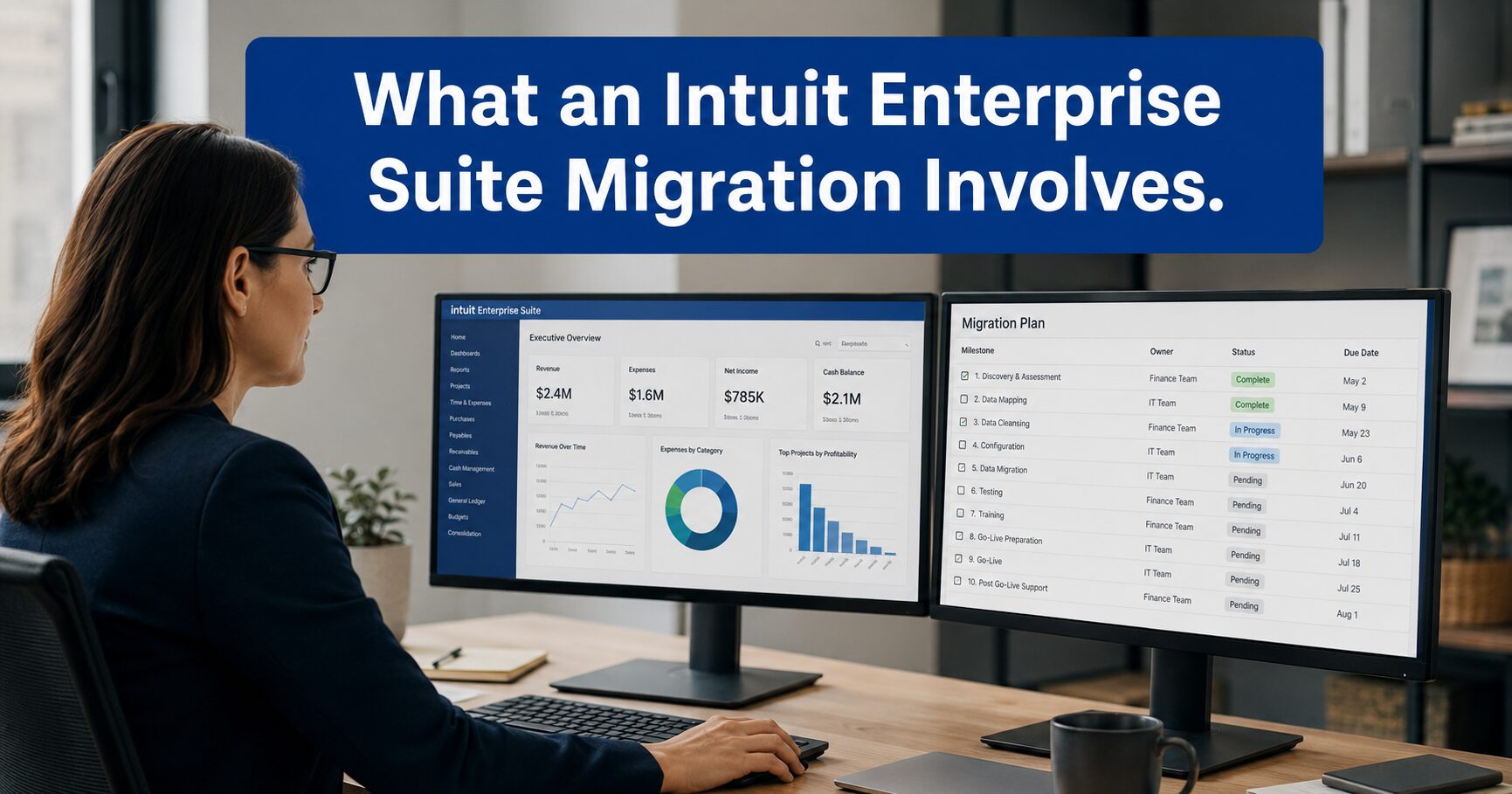
Intuit Enterprise Suite migration is not a single process — it’s three distinct ones, each with a different experience, different timeline, and different preparation requirements.
From QuickBooks Online. This is the most straightforward path, and for good reason: the data lives in the Intuit ecosystem already. When a QBO file is upgraded to IES, the data migrates automatically with zero downtime. The business logs back in and the data is there. A Customer Success Manager is assigned to guide the setup process and help configure the new features — multi-entity structure, dimensional reporting, consolidated views — that IES makes available.
The catch: automatic doesn’t mean clean. A QBO file that has been maintained well — consistent chart of accounts, accurate vendor and customer records, clean reconciliation history — upgrades smoothly. A QBO file that has years of inconsistent categorization, duplicate vendors, and unreconciled transactions carries all of that into the new environment. The upgrade doesn’t fix the mess; it just moves it to a more powerful system. That’s why businesses with complex or irregular QBO files should have a data assessment before the migration, not after.
From QuickBooks Desktop. The process here involves a few more steps, but Intuit’s team handles the migration for you. After an initial data assessment and scope conversation with an Account Manager, the business provides access to their data, the team makes recommendations, and the migration is executed. Most Desktop migrations complete in under a week. The timeline depends on how many years of history the business wants to carry over and whether they’re starting fresh with a rebuilt chart of accounts or migrating the existing structure.
That last choice matters more than most businesses realize at the time they make it. Migrating a messy or overly complex chart of accounts into IES preserves the problem — it doesn’t solve it. Businesses that take the migration as an opportunity to rebuild their chart of accounts for the structure IES supports get significantly more value out of the platform from day one.
From a non-Intuit system. NetSuite, Sage, Dynamics, or a legacy ERP — these migrations are handled by Intuit’s Professional Services team and scoped individually. There is no standard timeline because the complexity varies significantly: number of entities, years of history, custom fields, third-party integrations, and whether multiple source systems need to be consolidated. The process starts with a scope and estimate conversation; committed timelines come from that, not before it.
This is the migration type where the horror stories most often originate — not because IES migration is inherently difficult from a non-Intuit system, but because businesses sometimes commit to timelines before they fully understand the scope. The right move is to get the estimate first.
The Part That Determines Your Timeline
Ask any experienced implementation advisor what determines migration success, and the answer is rarely the software and almost always the data.
Data quality problems compound during migration. A chart of accounts built for a single entity doesn’t map cleanly to a multi-entity structure without decisions about how cost centers, departments, and divisions will be tracked going forward. Vendor records with inconsistent naming across multiple QBO files need to be deduplicated before consolidation produces accurate accounts payable reporting. Intercompany balances that were tracked informally — or not tracked at all — need to be reconciled before IES can produce clean consolidated statements.
None of these are unsolvable problems. They are, however, problems that take time to solve — and that time should be in the planning phase, not discovered at go-live.
The practical approach: treat the data quality assessment as the first deliverable of the migration, not a preliminary step. The assessment tells you what you actually have, what needs to be cleaned before migration, and what decisions about structure need to be made before the data moves. It’s also what gives you a realistic go-live date rather than an optimistic one.
Intuit’s migration page notes that QBO-to-IES upgrades can happen with zero downtime, and that’s accurate for businesses with clean, well-organized data. For businesses with more complex data histories, the migration itself may still be fast — but the preparation work before it is what makes that possible.
What Gets Decided Before the Data Moves
The migration is the wrong time to design the financial architecture. That design work needs to happen first.
IES supports multi-dimensional reporting — the ability to track performance across combinations of entities, departments, locations, projects, and custom dimensions in a single ledger. But that capability only delivers value if the dimensions are defined correctly before migration. A business that migrates without making those decisions will spend the first several months in IES rebuilding what should have been established during setup.
Specific decisions that need to be made before go-live:
Chart of accounts structure. Does the current chart of accounts support the reporting the business actually needs? IES allows for a unified chart of accounts across all entities. Migrating a separate, inconsistently structured chart of accounts from each entity preserves the fragmentation that IES is designed to eliminate.
Entity structure and intercompany relationships. How many entities will be in IES from day one, and what are the intercompany relationships between them? These relationships need to be defined in the system before transactions are recorded, not after.
Reporting dimensions. What dimensions does leadership need to see performance by — department, location, project type, cost center? The more clearly these are defined before migration, the more useful IES reporting is from go-live forward.
Historical data depth. How many years of transaction history does the business want in IES? More history means more migration time and more data to clean. Many businesses make a clean break at a specific date and maintain the prior system as an archive — a legitimate choice that significantly simplifies the migration.
A Scenario Worth Recognizing
The following is a hypothetical example to illustrate how this plays out in practice — not a specific client situation.
A professional services firm with three entities — a primary operating company, a separate holding entity for real estate, and a recently formed subsidiary serving a new market — decides to migrate from three separate QBO files to IES. Each file has been maintained independently for two to three years. Vendor records overlap but aren’t consistent. The chart of accounts was built separately for each entity when each entity was formed, so the account numbering and naming conventions don’t match.
The business contacts an advisor expecting a two-week migration. The advisor’s data assessment finds that the three charts of accounts need to be rationalized into a unified structure before migration — about three weeks of work. The vendor records need deduplication. There are intercompany balances that were recorded informally and need to be reconciled before go-live.
Actual go-live happens six weeks after the initial conversation — not because IES migration is slow, but because the data needed work before it was ready to move. The business that expected two weeks would have been frustrated without that expectation being set accurately from the start.
The same migration, if the QBO files had been maintained cleanly and the chart of accounts had been consistent across entities, could have been completed in a week.
Where Migrations Go Sideways — and Why
Most IES migrations that struggle share one of a small number of failure patterns.
Committing to a go-live date before completing a data assessment. The timeline pressure creates urgency to get the data into the system before it’s ready. The result is a live IES environment with data quality problems that take months to resolve after the fact.
Migrating the old structure instead of designing a new one. Businesses that migrate their existing chart of accounts and entity structure into IES without taking the migration as an opportunity to rethink the architecture don’t get the consolidated reporting clarity IES is built to deliver. They get the same reporting they had before, in a more expensive system.
Underestimating the staff learning curve. IES shares interface conventions with QBO, and the learning curve is meaningfully shorter than a traditional ERP. But “shorter” is not “none.” Controllers and bookkeeping staff who are accustomed to QBO workflows will encounter new processes — particularly around multi-entity transactions, consolidated reporting, and dimensional tagging. Building in time for training before go-live, not during it, prevents the productivity dip that organizations sometimes attribute to the platform when it’s actually a training gap.
Not accounting for third-party integrations. Businesses running apps alongside QBO — field service management, CRM, e-commerce — need to verify those integrations with IES before migration. Some work directly. Others require configuration. Discovering an integration gap after go-live is a recoverable problem, but it’s better discovered in testing.
When the Timeline Question Gets Honest
Published migration stories include examples where QBO-to-IES upgrades completed in two hours. That’s accurate — and it’s also a best-case scenario for a business with clean data and a straightforward QBO structure.
Most real-world migrations fall into a wider range. QBO-to-IES migrations with well-maintained data typically complete quickly, often within a few days to a week of preparation work. Desktop migrations typically complete in under a week of actual migration time, with pre-migration preparation varying based on data condition. Non-Intuit migrations are scoped individually and timelines are set after the scope conversation.
The businesses that hit the fast end of that range have usually done the preparation work — data assessment, chart of accounts decisions, entity structure design — before the migration starts. The businesses that land at the slow end usually skipped that phase and discovered during migration what they should have discovered before it.
What Peak Advisers Does Before Recommending a Go-Live Date
Peak Advisers starts every IES migration conversation with an honest look at the data, not a commitment to a timeline.
The first step is understanding the current environment: how many QBO files, how they’ve been maintained, what the chart of accounts looks like, and what intercompany relationships exist. From that picture, the data quality assessment tells us what cleanup is needed before migration, what structural decisions need to be made, and what a realistic timeline looks like given the business’s actual data condition.
For businesses migrating from QBO, that assessment often confirms the migration can move quickly. For businesses with complex multi-entity structures or years of informally managed books, the assessment is what prevents a difficult go-live — because it surfaces the issues while there’s still time to address them.
Peak Advisers has been a certified QuickBooks Solution Provider since 2011. We’ve guided businesses through QBO implementations, QuickBooks Desktop configurations, and IES migrations. Our job is to give you an honest picture of what your migration actually requires — not the optimistic version — and then to execute it in a way that sets IES up to deliver what it’s built for.
Frequently Asked Questions
How long does an Intuit Enterprise Suite migration take?
The timeline depends on your starting point and data condition. QBO-to-IES upgrades happen with zero downtime and can be completed quickly when data is clean — Intuit’s documentation confirms some migrations complete in hours. QuickBooks Desktop migrations typically complete in under a week of migration time, following a data assessment. Non-Intuit migrations are scoped individually; Intuit’s Professional Services team provides a timeline estimate after reviewing the scope. Across all paths, data quality preparation is the largest variable — businesses that assess and clean their data before migration consistently have faster, smoother go-lives.
Will we lose access to our data during migration?
For QBO-to-IES upgrades, there is zero downtime. Data is automatically upgraded and accessible when you log back in. For Desktop and non-Intuit migrations, Intuit’s team plans the transition to minimize disruption, and most Desktop migrations are completed with minimal downtime. Your Account Manager can provide specifics based on your situation.
Does the chart of accounts need to be rebuilt for IES?
Not necessarily rebuilt, but it should be reviewed before migration. IES supports a unified chart of accounts across entities — which is one of its core advantages over separate QBO files. Businesses that migrate a fragmented or inconsistently structured chart of accounts preserve the fragmentation. The migration is the right moment to evaluate whether the current chart of accounts supports the reporting IES is designed to deliver. Peak Advisers assesses this as part of every migration conversation.
What happens to historical transaction data?
For QBO-to-IES upgrades, historical data migrates automatically. For Desktop and non-Intuit migrations, businesses choose how many years of history to bring over — full history, a partial cutover date, or a clean start with prior balances summarized. Each choice involves tradeoffs between migration complexity and data accessibility going forward.
Do staff need significant retraining?
IES shares interface conventions with QBO, which meaningfully reduces the learning curve compared to a traditional ERP implementation. The more significant adjustment is usually in new workflows — multi-entity transactions, consolidated reporting, dimensional tagging. Building training into the go-live plan, rather than treating it as something staff will figure out on their own, prevents the productivity gap that tends to emerge in the first few weeks after migration.
Does Intuit provide support during migration?
Yes. Intuit assigns a Customer Success Manager to every migration, regardless of origin system. For complex or non-Intuit migrations, a Professional Services team is involved. Your Account Manager is available throughout. Peak Advisers works alongside that support as an implementation partner, providing the advisory layer — data assessment, structural decisions, chart of accounts review — that determines whether the migration delivers the reporting clarity IES is built for.
The Difference Between a Fast Migration and a Clean One
Speed and quality in an IES migration aren’t in conflict — but they’re also not the same thing. The fastest migrations are the ones where the preparation work was done before the data moved. The slowest migrations are usually the ones that skipped the preparation and spent the time after go-live doing cleanup that should have happened before it.
If you’re at the point where IES is the right platform and migration is the question, the most valuable first step is an honest assessment of what your current data actually looks like. That conversation takes an hour and determines whether your go-live is weeks away or months away — and what needs to happen between now and then.
Peak Advisers works with businesses at exactly this stage. If you want an honest read on what your migration requires and what it will take to set IES up to deliver what it’s built for, that’s the conversation we’re ready to have.
Additional Resources
Read: Your Books Are Live in Intuit Enterprise Suite. Here’s Where the Value Gets Left on the Table →.
Read: When Your Financial System Is the Reason Growth Has Slowed Down →
Read: The Billing & Profitability Problem No One is Solving →
Read: What AI Agents in Intuit Enterprise Suite Do for Your Business →
Read: The ERP Evaluation Most Growing Businesses Get Wrong →